NETVRON
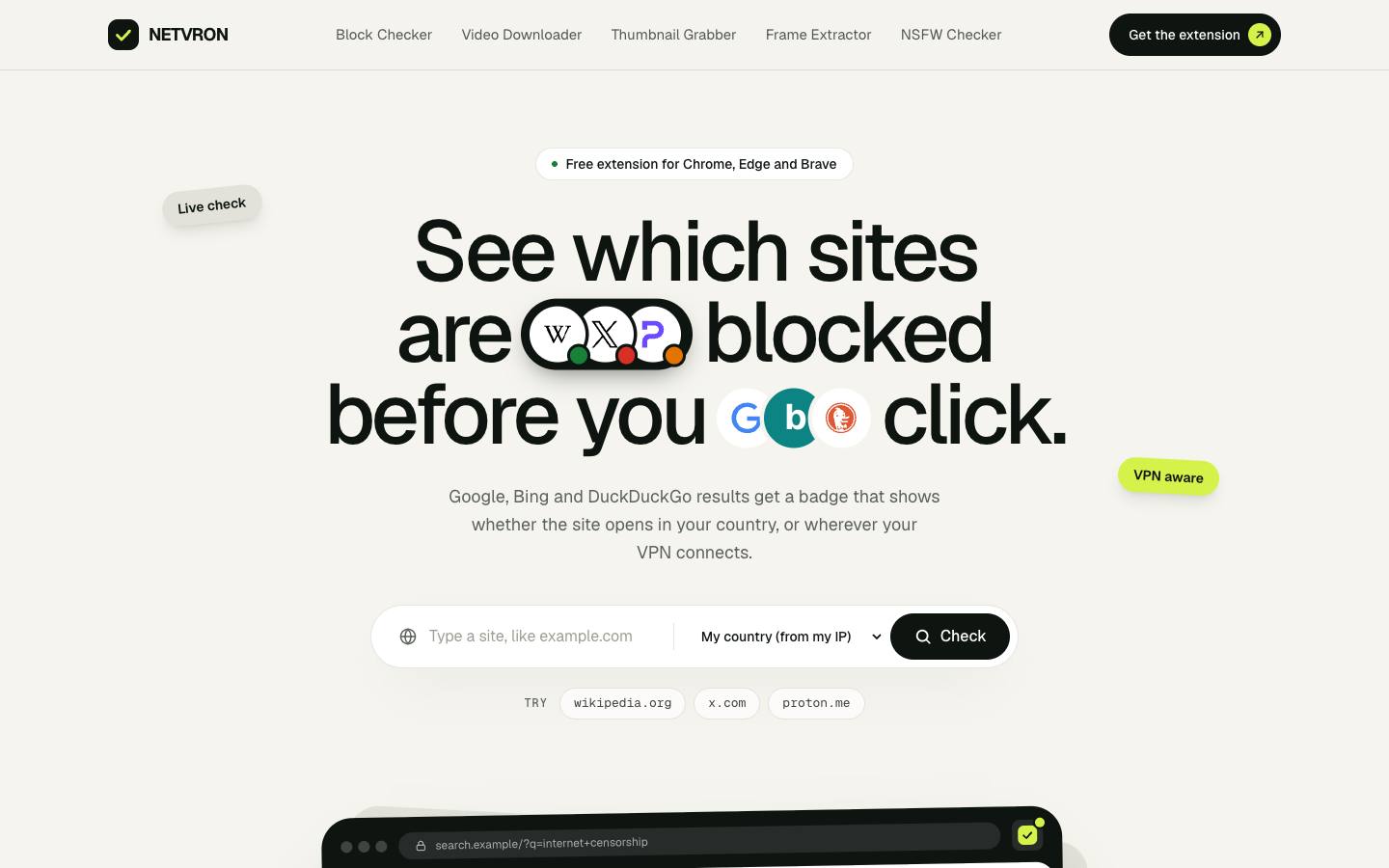
NETVRON is a browser toolkit for people on restricted networks. Works now • Video downloader for direct video files on the pages you visit, with a quality menu • Save streams from sites you add in Settings, with audio-only and subtitle options • Night download queue that starts saved downloads later Coming soon • Blocked or reachable badges on Google, Bing and DuckDuckGo results. This needs the NETVRON checking server, which is not online yet, so for now the extension says the checking service is unavailable. An update will switch it on. Install 1. Download netvron-chrome.zip and unzip it into a folder you will keep. 2. Open chrome://extensions and turn on Developer mode (top right). 3. Click Load unpacked and choose the unzipped folder. 4. Pin NETVRON from the puzzle icon in the toolbar. To update, download the new ZIP, replace the folder contents, and press the reload icon on the extension card.