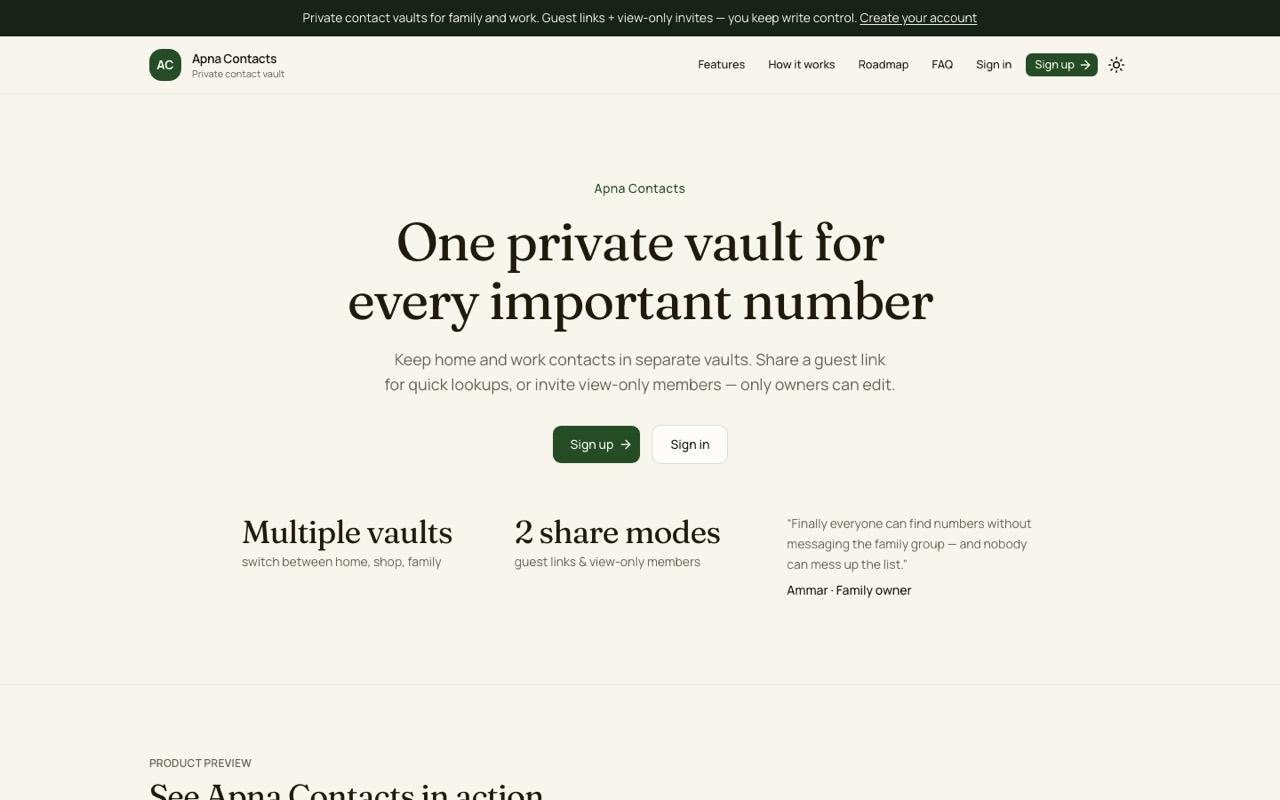
Apna Contacts
Apna Contacts on your phone: a private contact book for family and business, with password-protected guest sharing. The app opens the live site (ac.zndev.online), so it is tiny (about 310 KB) and always shows the latest version of the site. • Sign in once and stay signed in • Tap a number to call, or open the chat in WhatsApp • Pull down to refresh, and the back button goes back through pages • Import contacts from a CSV file and save the CSV template to Downloads • Follows your phone's light or dark mode • Shows a Try again screen when there is no internet Download • Android: apna-contacts.apk Install Download the APK on your phone and open it. If Android asks, allow "Install unknown apps" for your browser or file manager, then tap Install. Sign in with your email and password inside the app. Google sign-in opens in your browser instead, because Google does not allow it inside apps like this.